Configure the installation
Choose enclosure positions, rack hardware, services and model replicas. Compare a reduced installation with a fully populated design.
Configure a factory-hosted XAIPOD in three dimensions. See what its racks can deliver within the host’s electrical allocation, cooling capacity and operating budget.
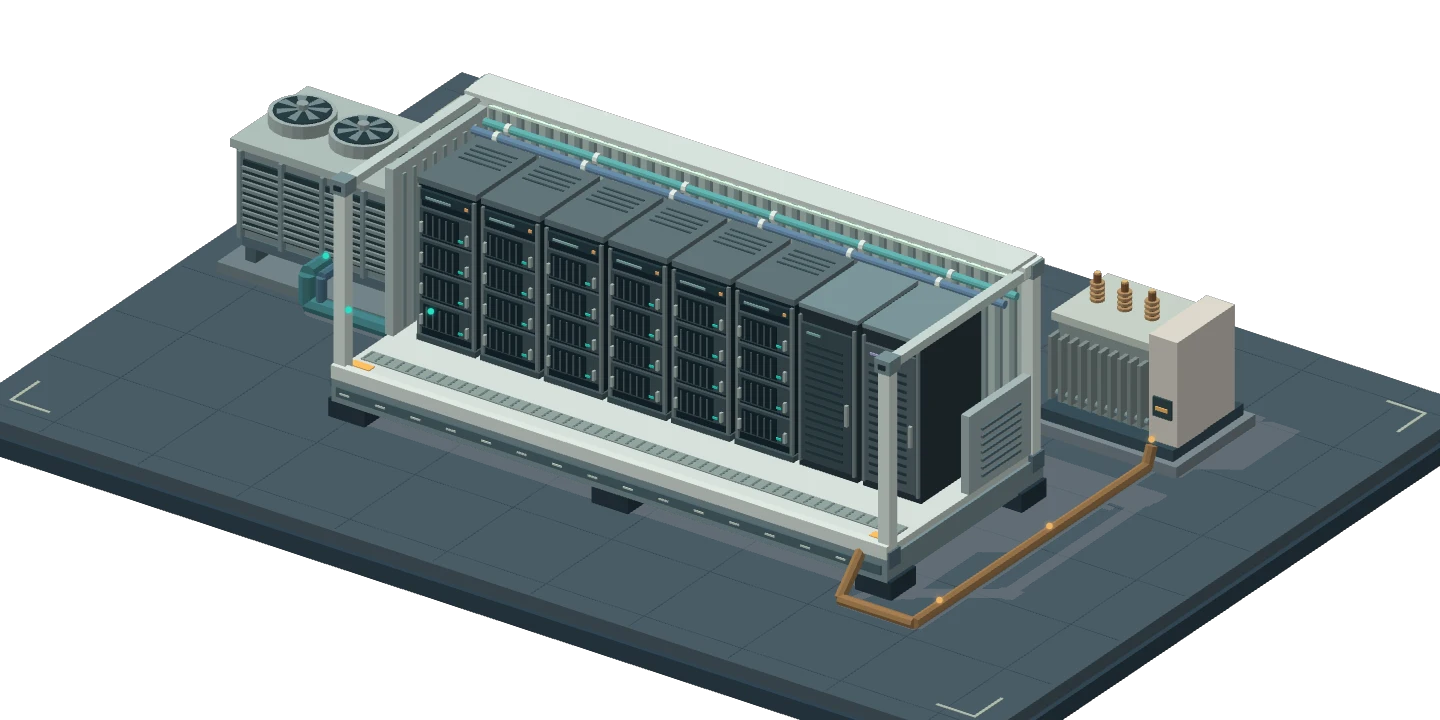
Choose enclosure positions, rack hardware, services and model replicas. Compare a reduced installation with a fully populated design.
Change available power, wet-bulb temperature, tower duty or offered work. Inspect the resulting compute throughput, cooling demand and resource limits.
Enter supplier quotes, host rates and offtake terms. See installed capital, recurring costs and operating profit after the host share.
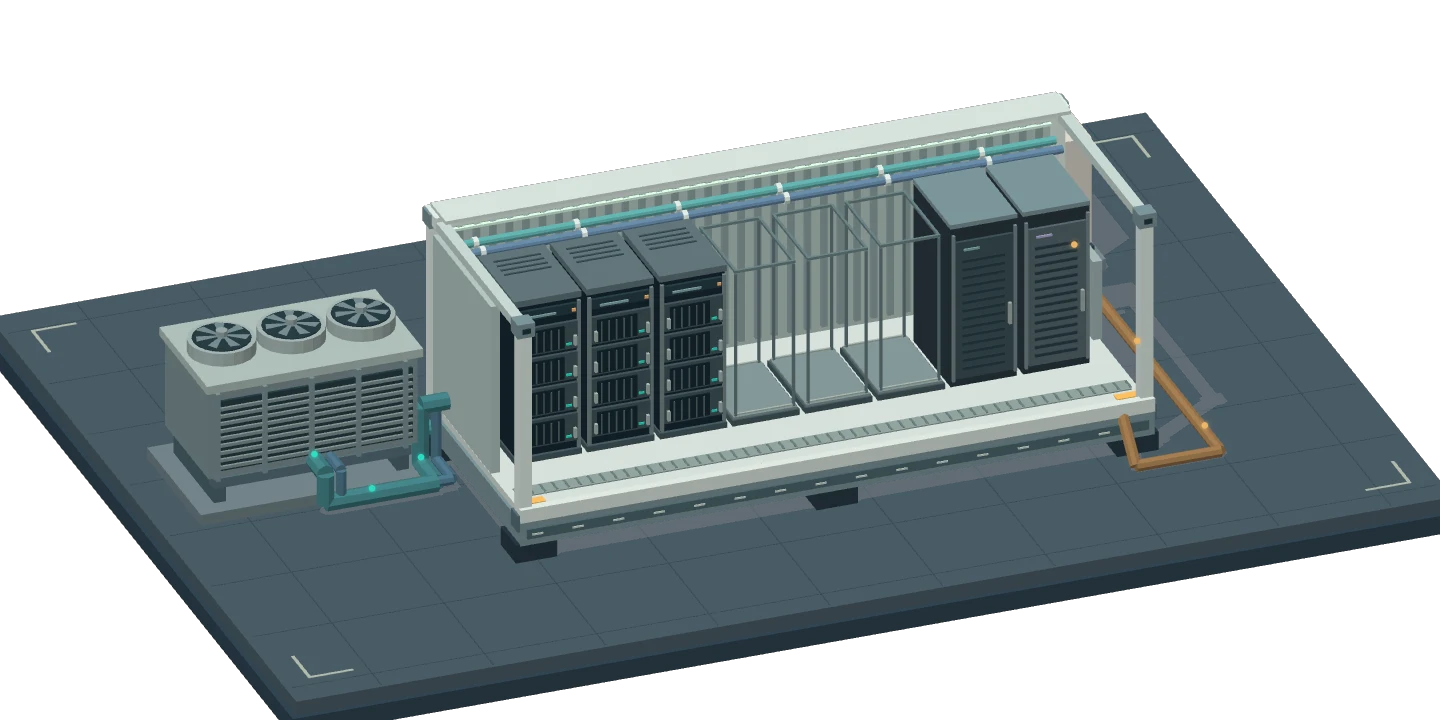
The equipment catalog distinguishes a supplied Supermicro eight-GPU B300 server from a complete rack. HPE DC8 and DC16 DLC references set the enclosure envelope. Site measurements, purchase prices and commercial terms remain open until entered.
Compare a direct workload with the capacity still eligible for an aggregator. Change matched hours and fees, host rent or participation and see the monthly operating result. Fully priced exercises are marked as synthetic.
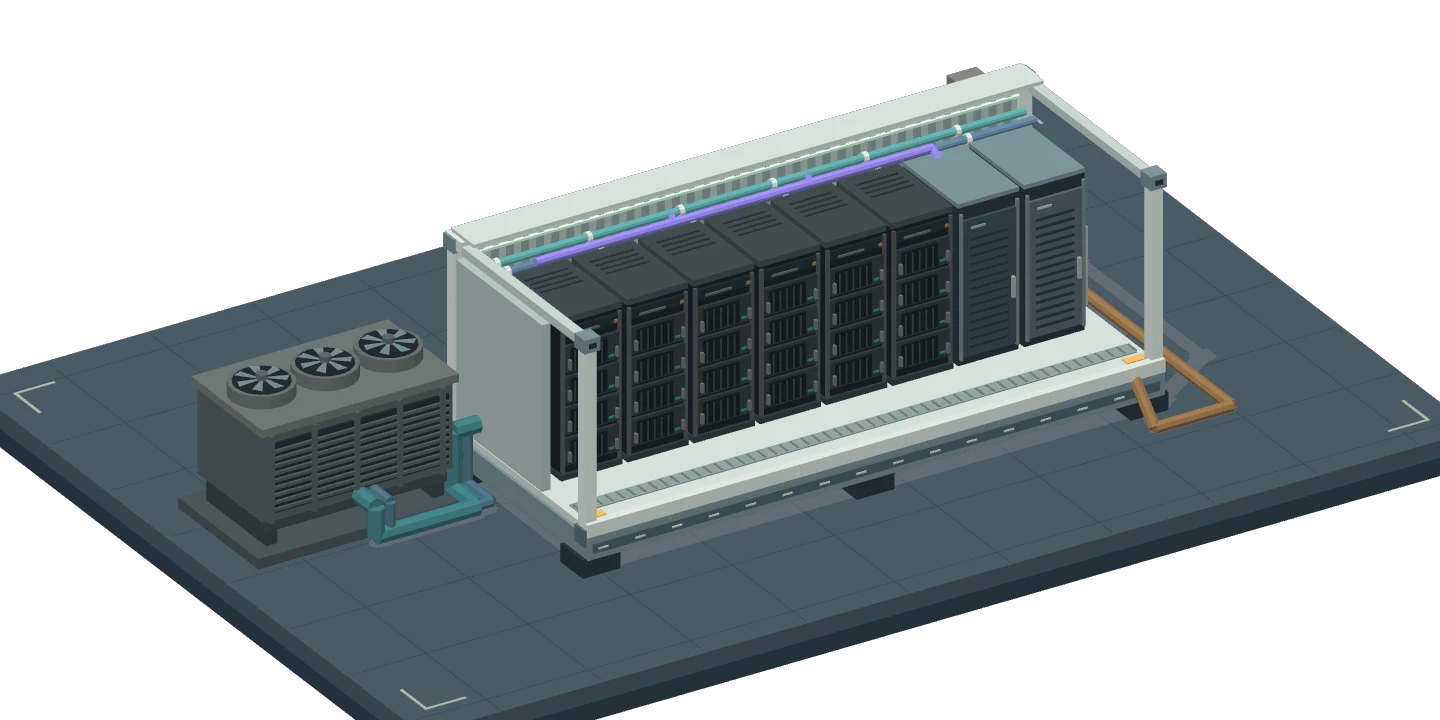
Sign in with the XAuth account connected to an active subscription or an accepted XAIPOD invitation.